Concerts, fiestas, and festivals
The crowd gets thick, the group splits, and texts stop making sense. Set the meeting pin before the show starts so everyone can find their way back to it.
 NearbyMeet up without the guesswork.
Meet up with friends, family, and colleagues on one private live map. Share a link, choose a meeting point, and find each other from the app or a browser. iPhone users can join too.
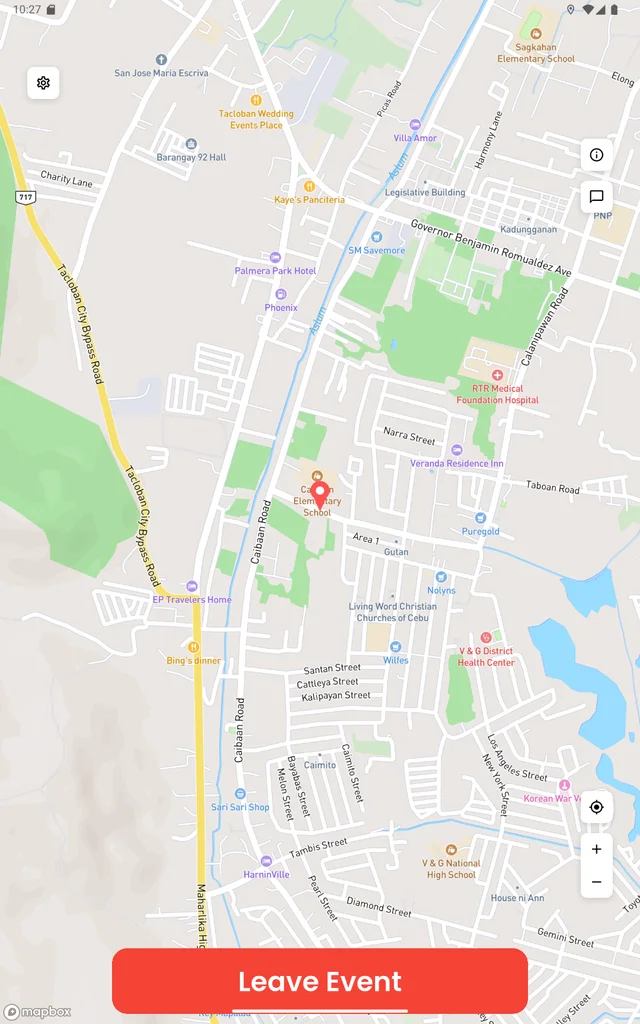 NearbyYour plans. One live map.
Nearby is built for the two hours when a group has to end up in the same place. Not for tracking anyone all day.
The crowd gets thick, the group splits, and texts stop making sense. Set the meeting pin before the show starts so everyone can find their way back to it.
“I’m at the entrance” means five different entrances. Drop the pin on the exact door and watch who is a minute away.
Keep the convoy together. Passengers can check the shared map; drivers should check only when safely stopped.
Get a whole group to one place at one time, without collecting phone numbers or asking anyone to sign up for anything.
A live map, a pin, a chat, and a link that works even for the friend who never installs anything. Nothing you don’t need.
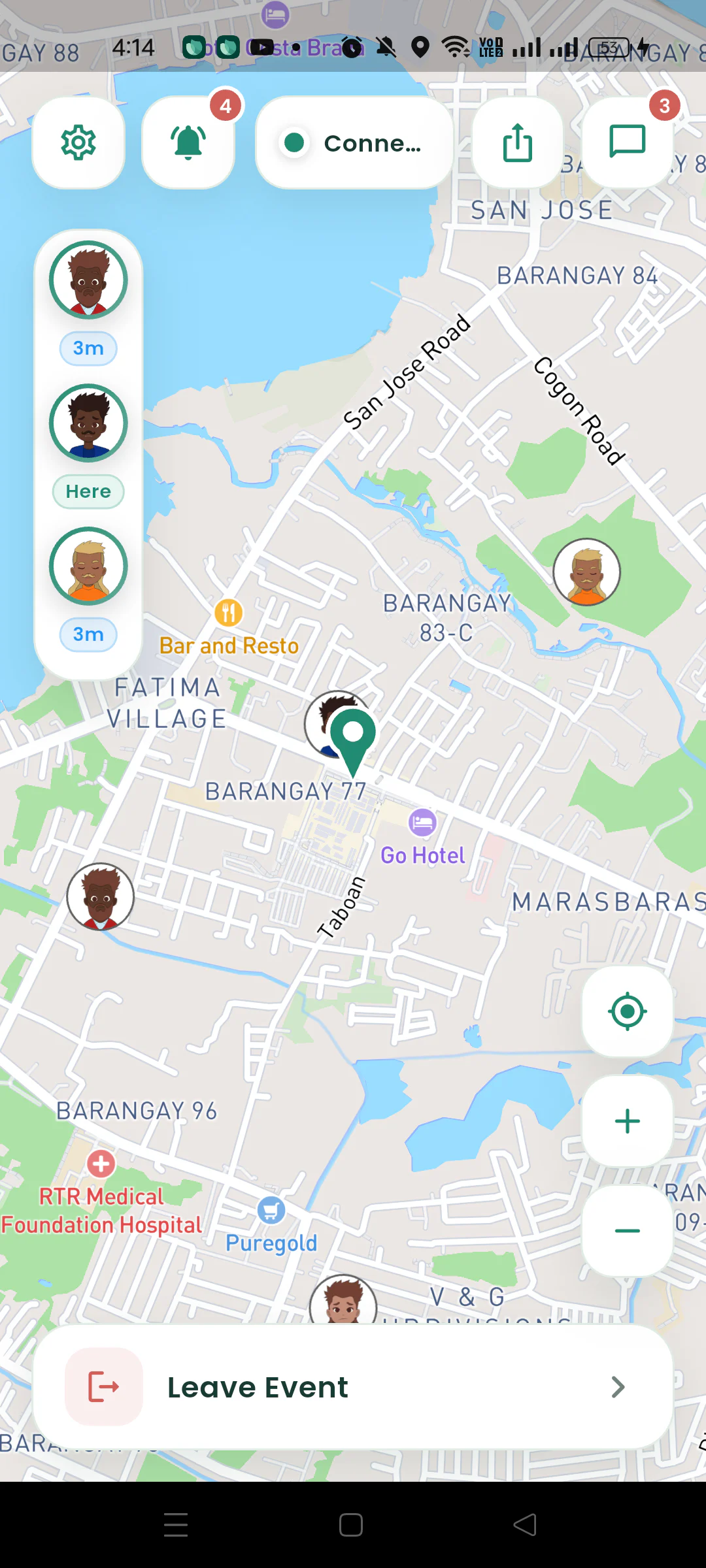
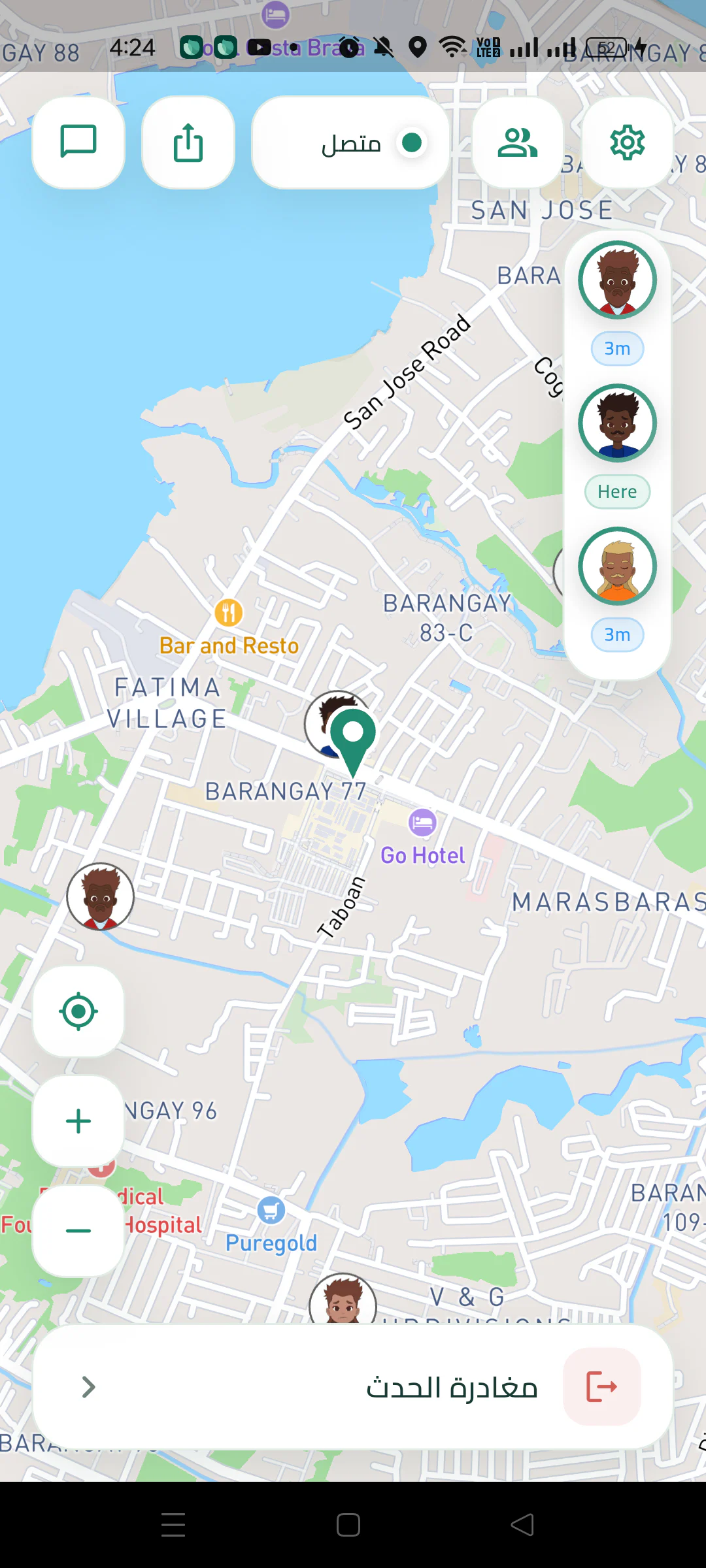
Every member’s avatar moves on the same map in real time. Less time sending directions, more time enjoying the day.
Search a place or tap the map. The pin is the first thing everyone sees, so “where do we meet?” is answered before anyone asks.
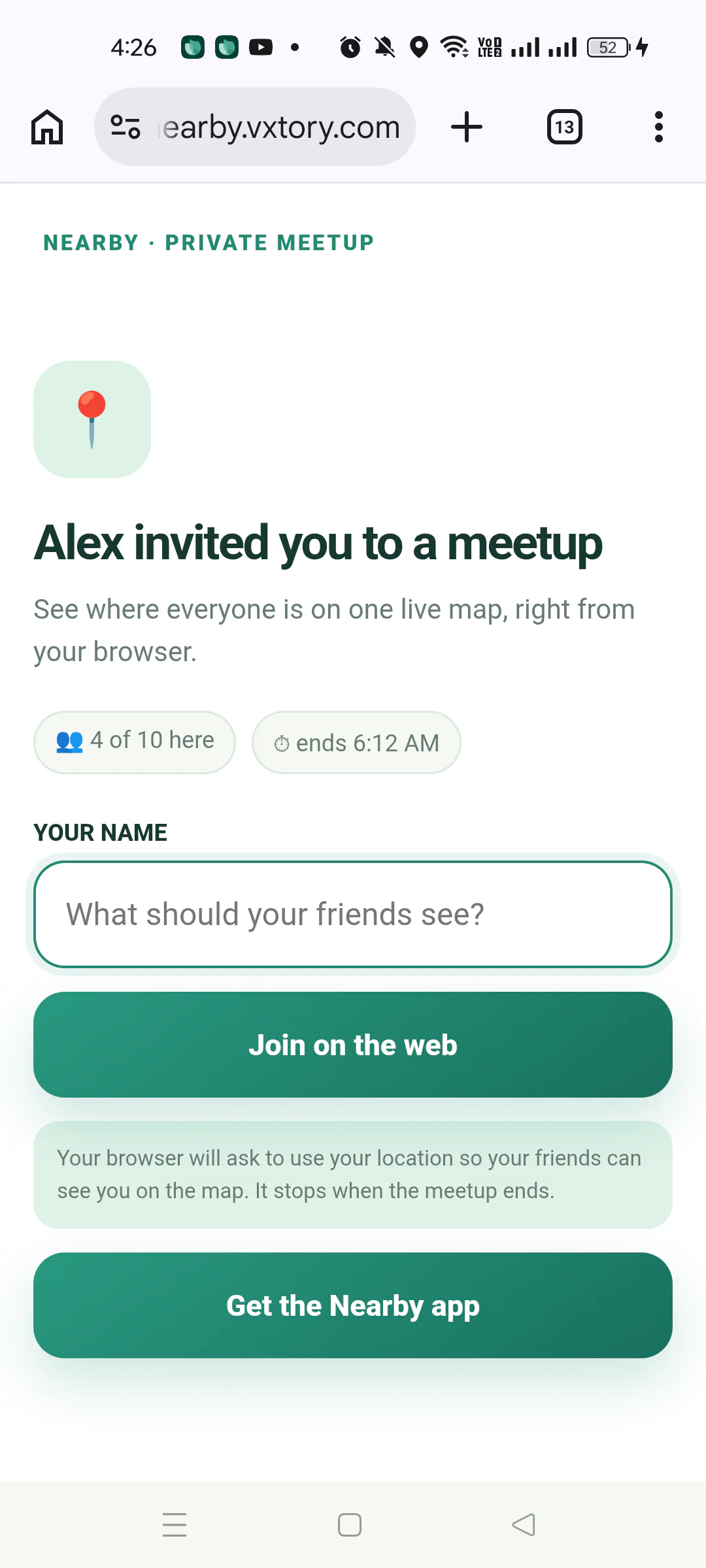
No app? No problem. Your link opens a live map in any browser, on Android or iPhone, and your friend shows up on the map like everyone else.
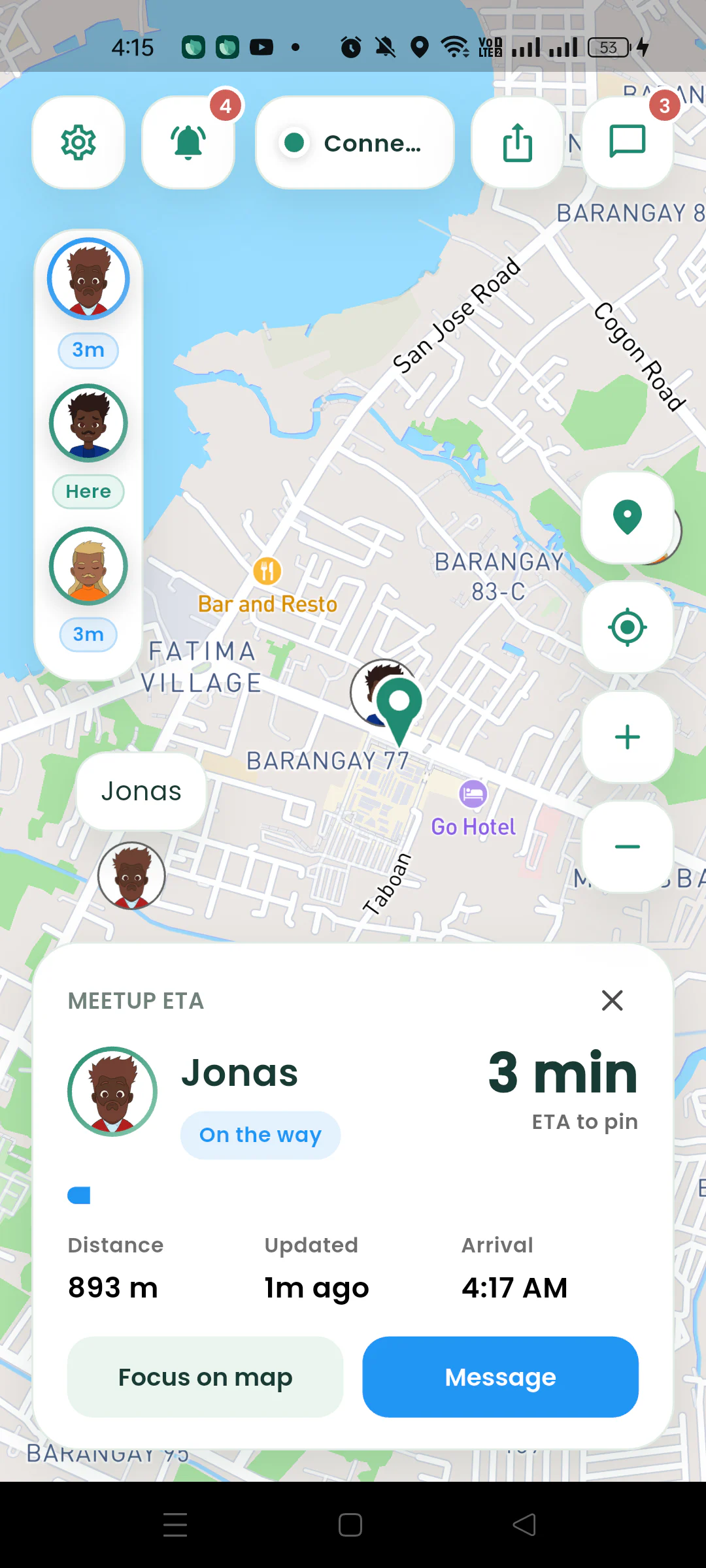
Each member gets a live ETA to the pin, and the group is told when someone is within 50 meters. No more “I think I see you.”
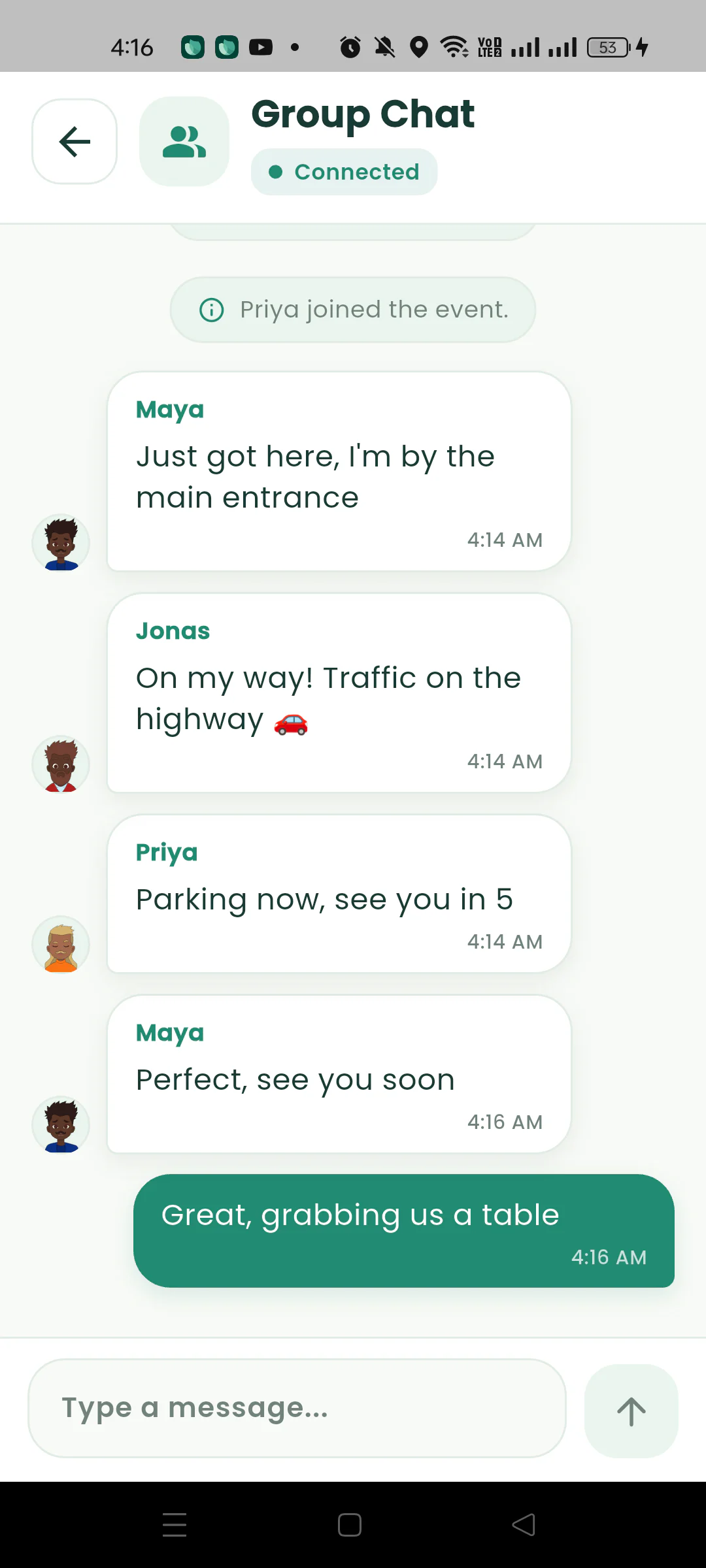
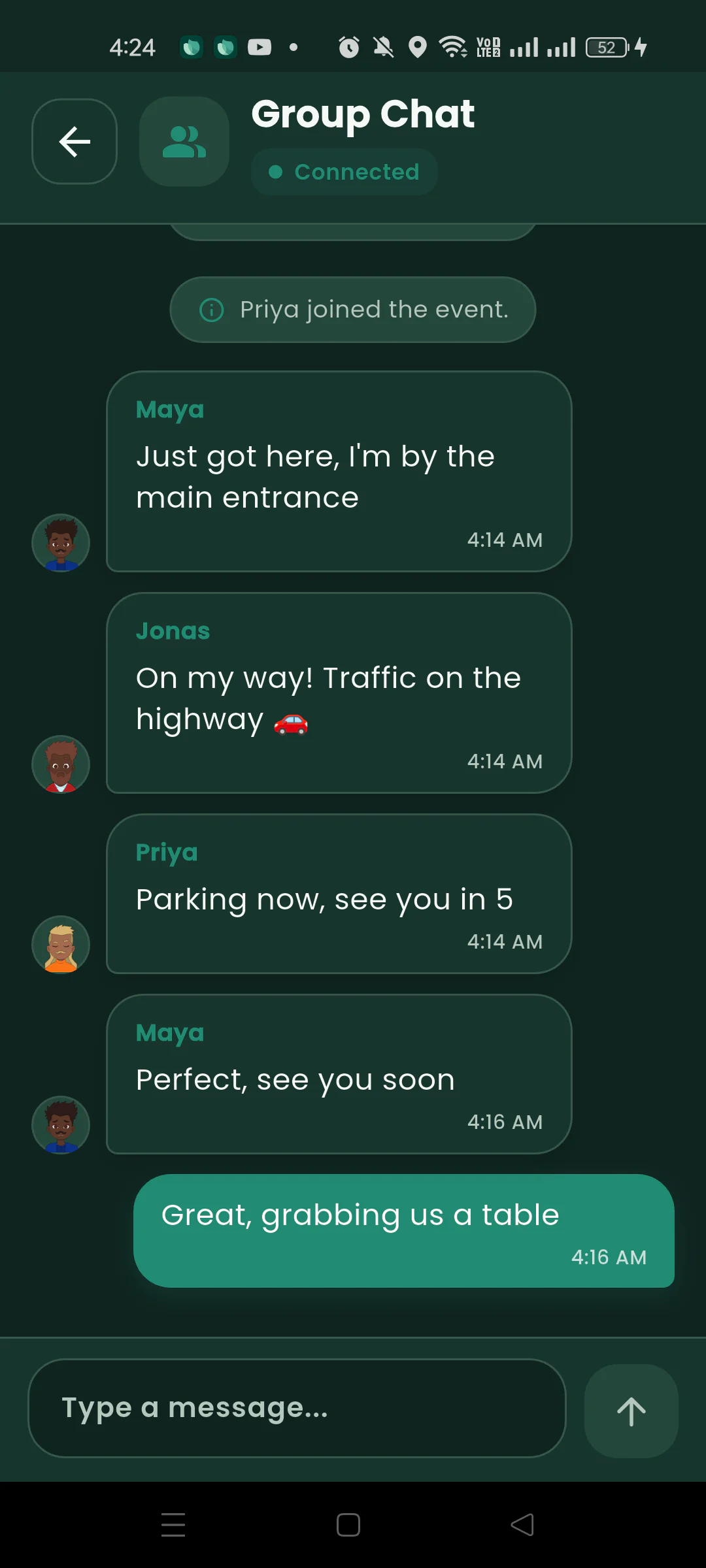
“Running late”, “I’m by the fountain”, “wait for me”. Group chat sits alongside the map, so the plan and the people stay in one place.
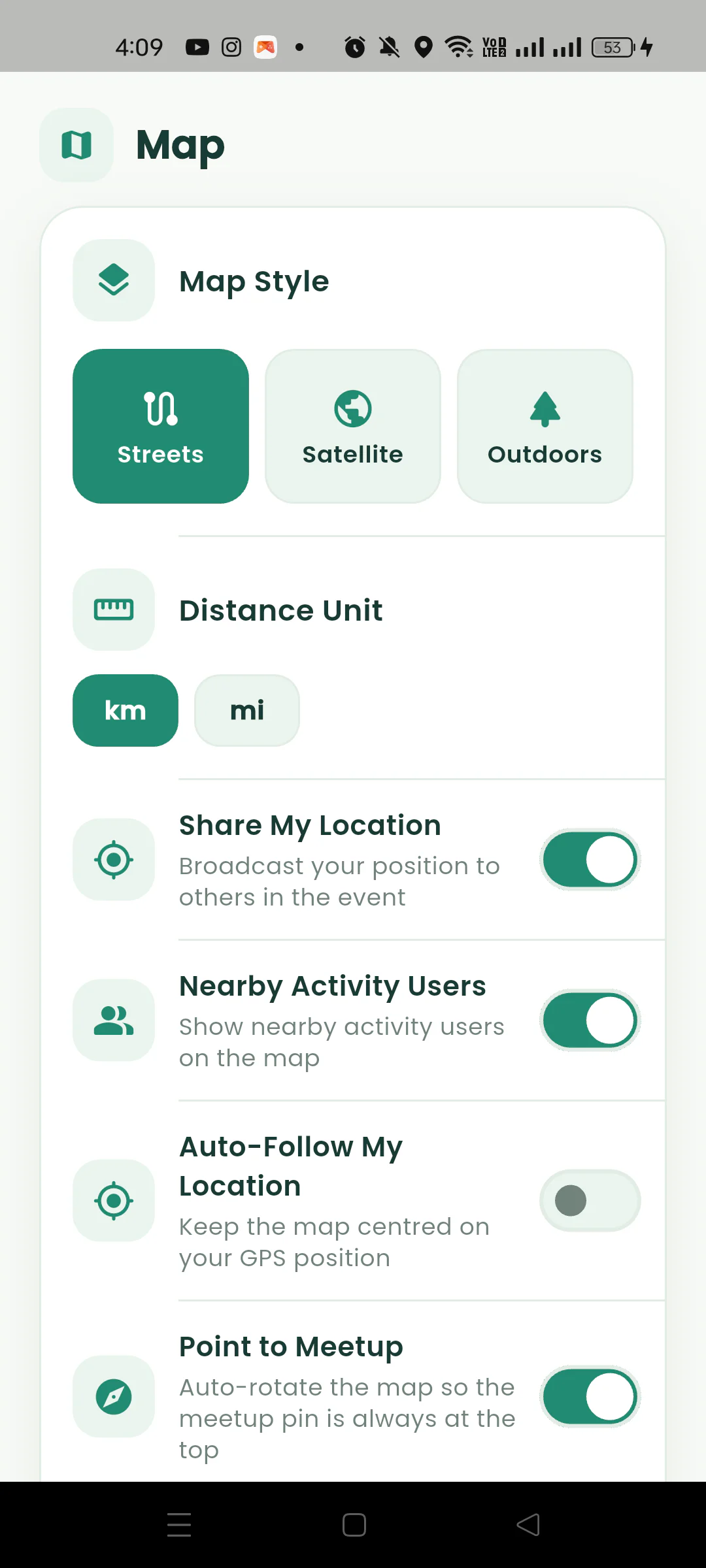
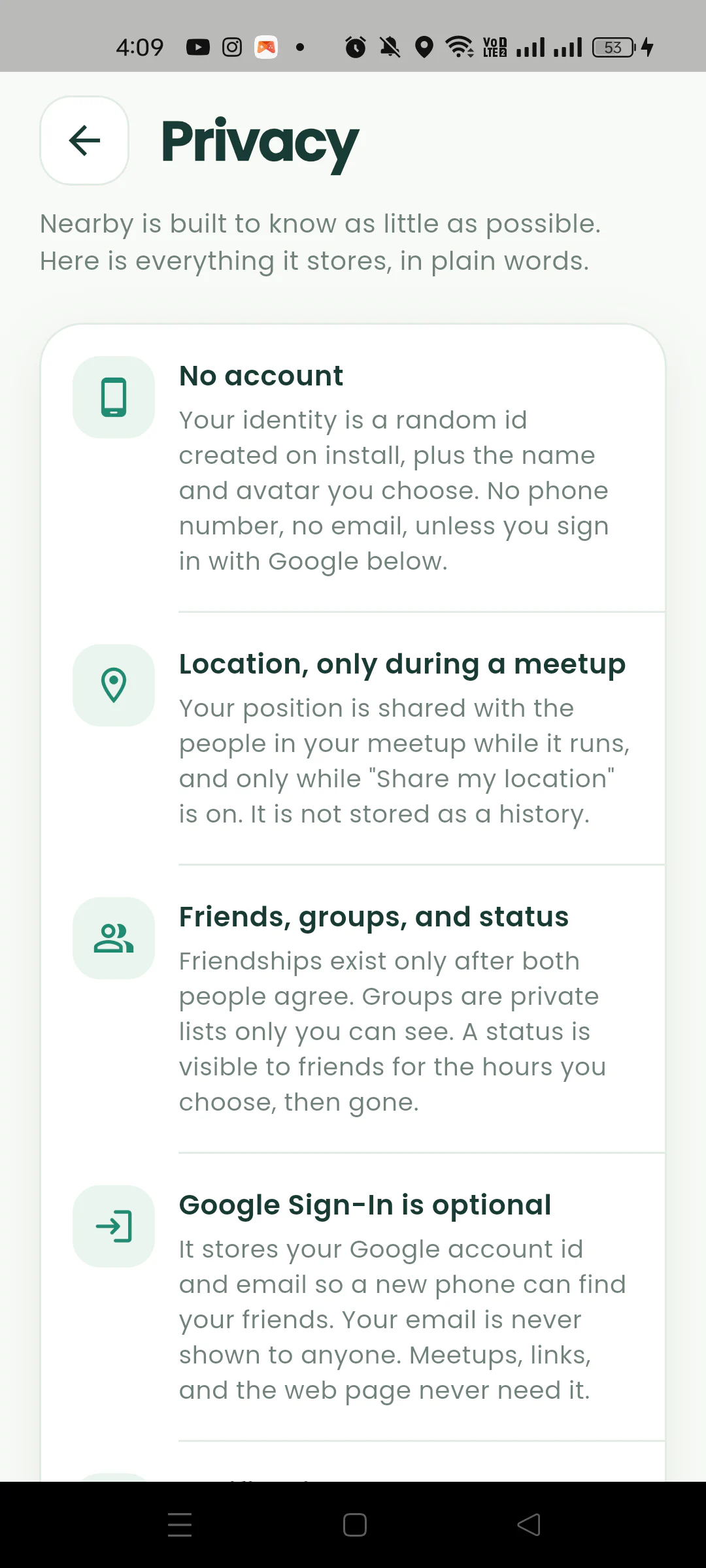
No account or phone number is required. Your location is shared only inside your meetup, only while it runs, and is never stored. Turn sharing off any time.
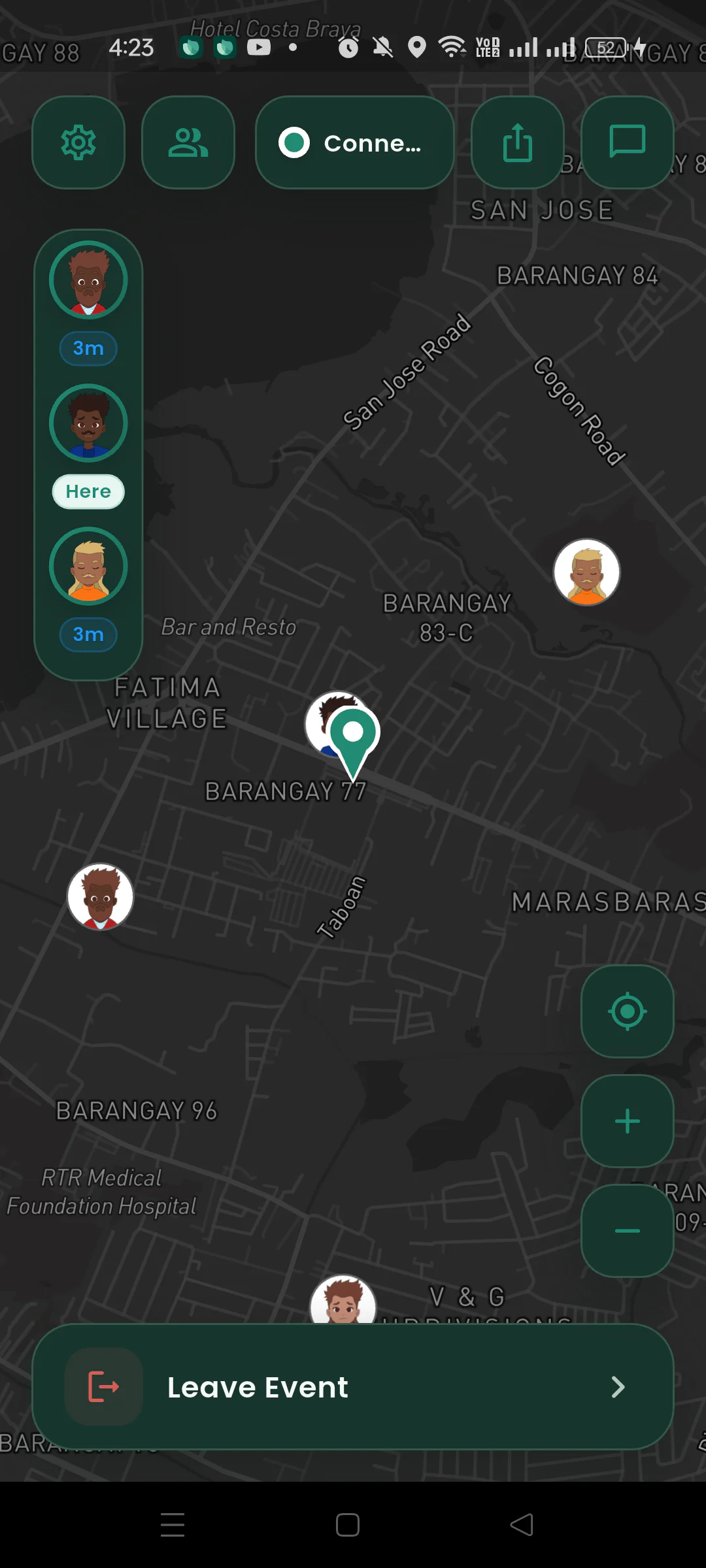
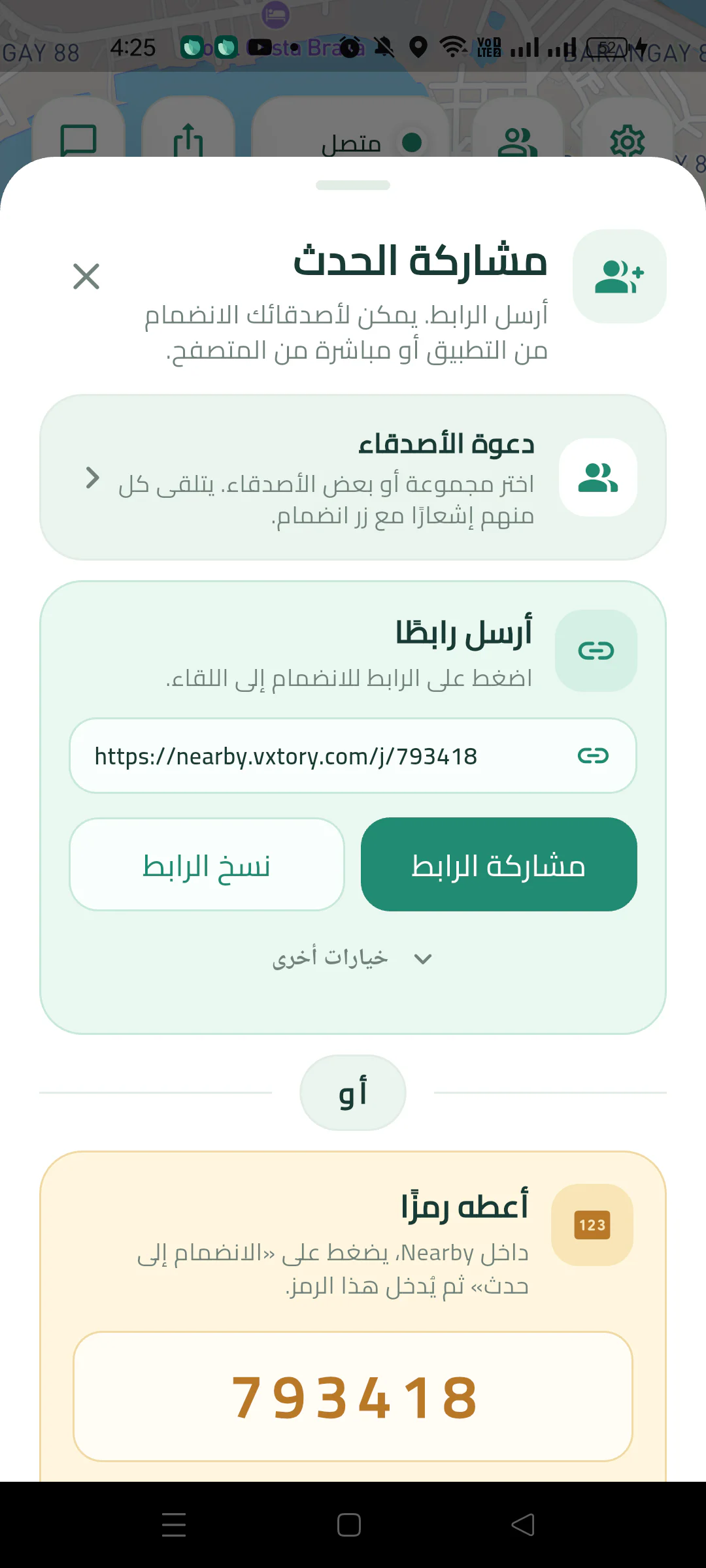
Explore the app and its Play Store images. Select any image for a closer look.
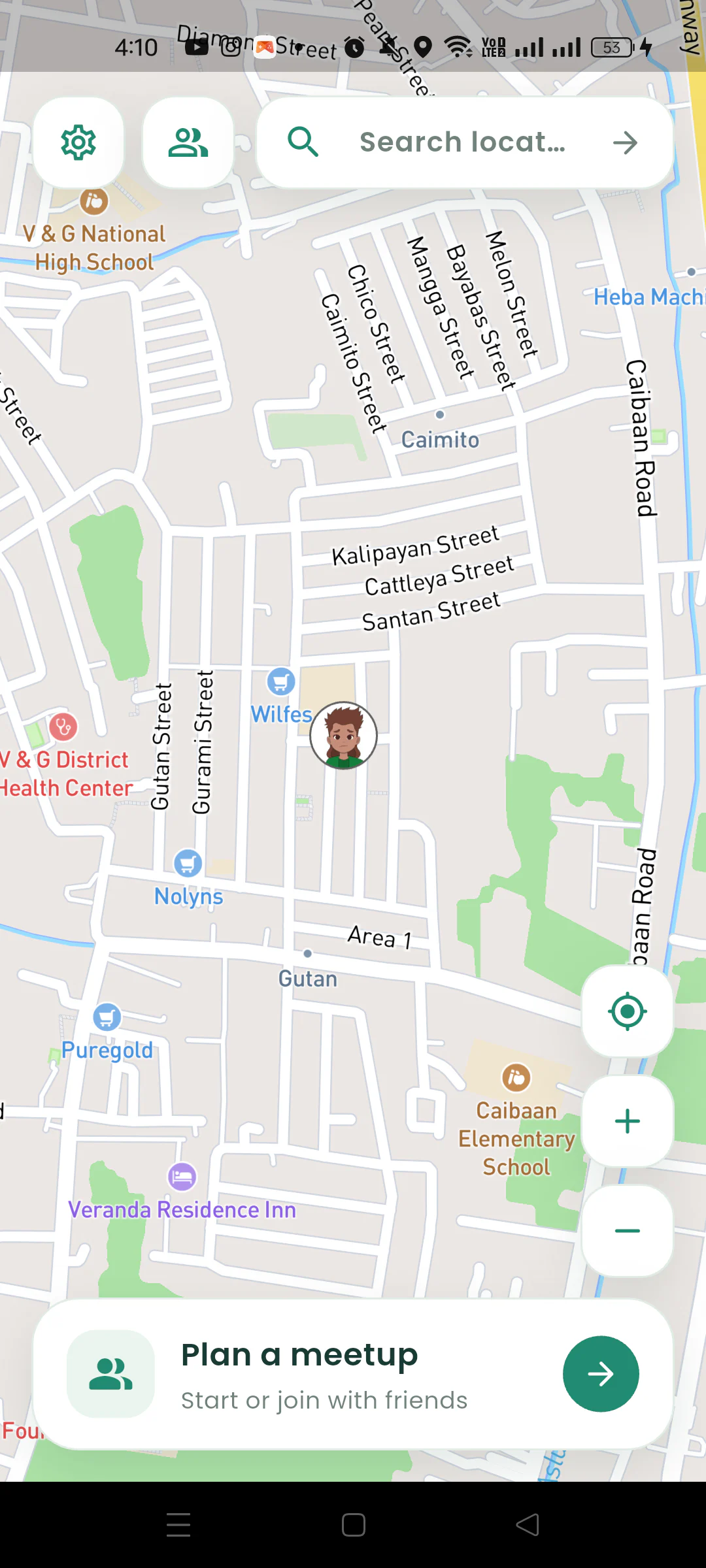
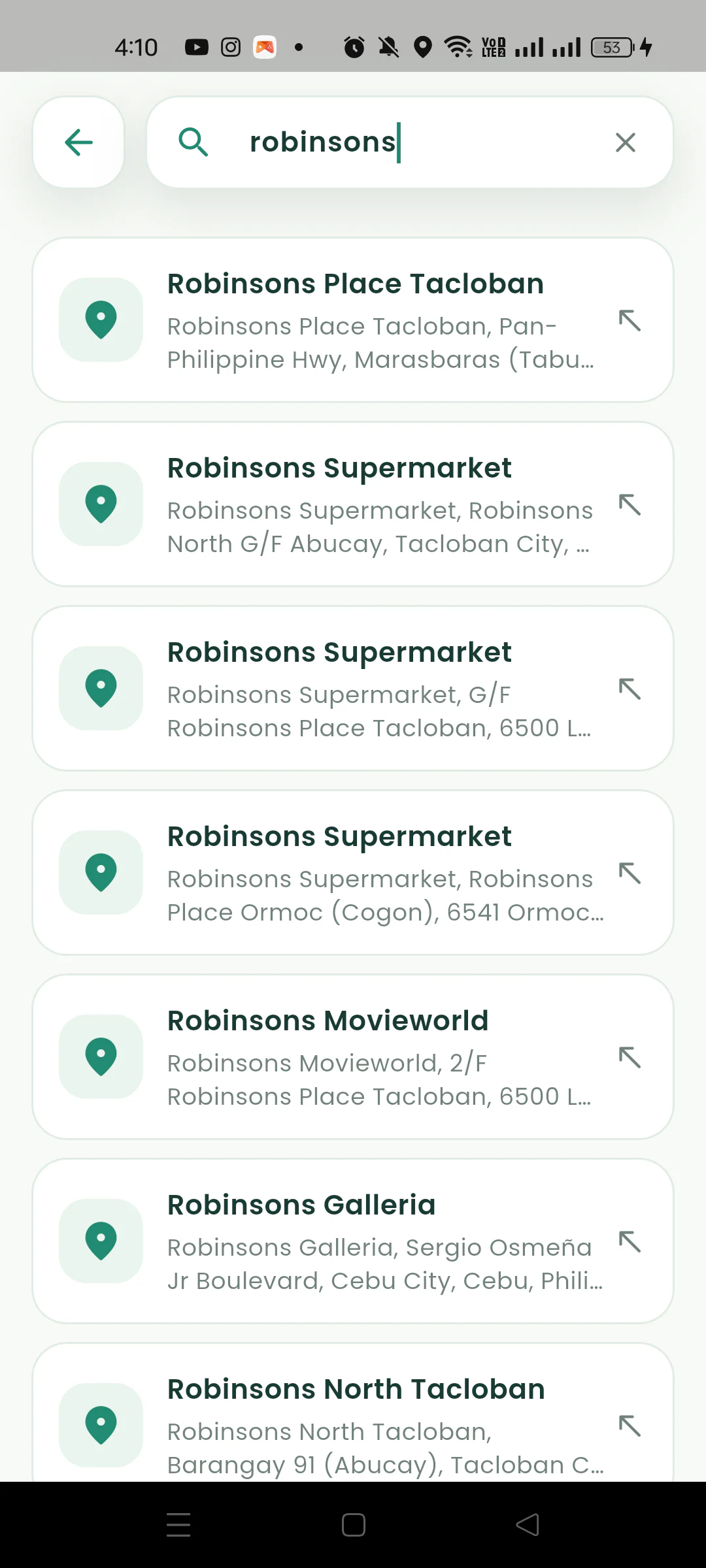
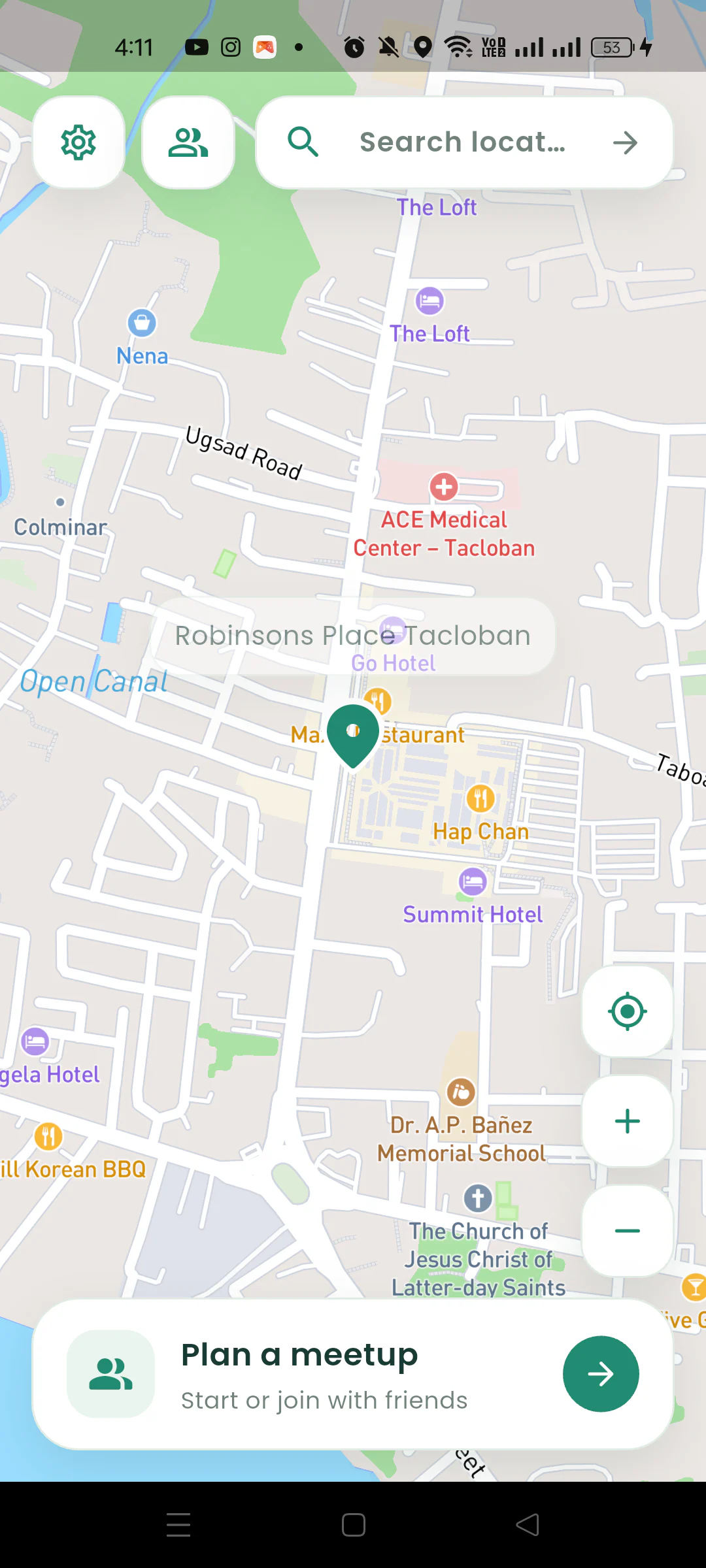
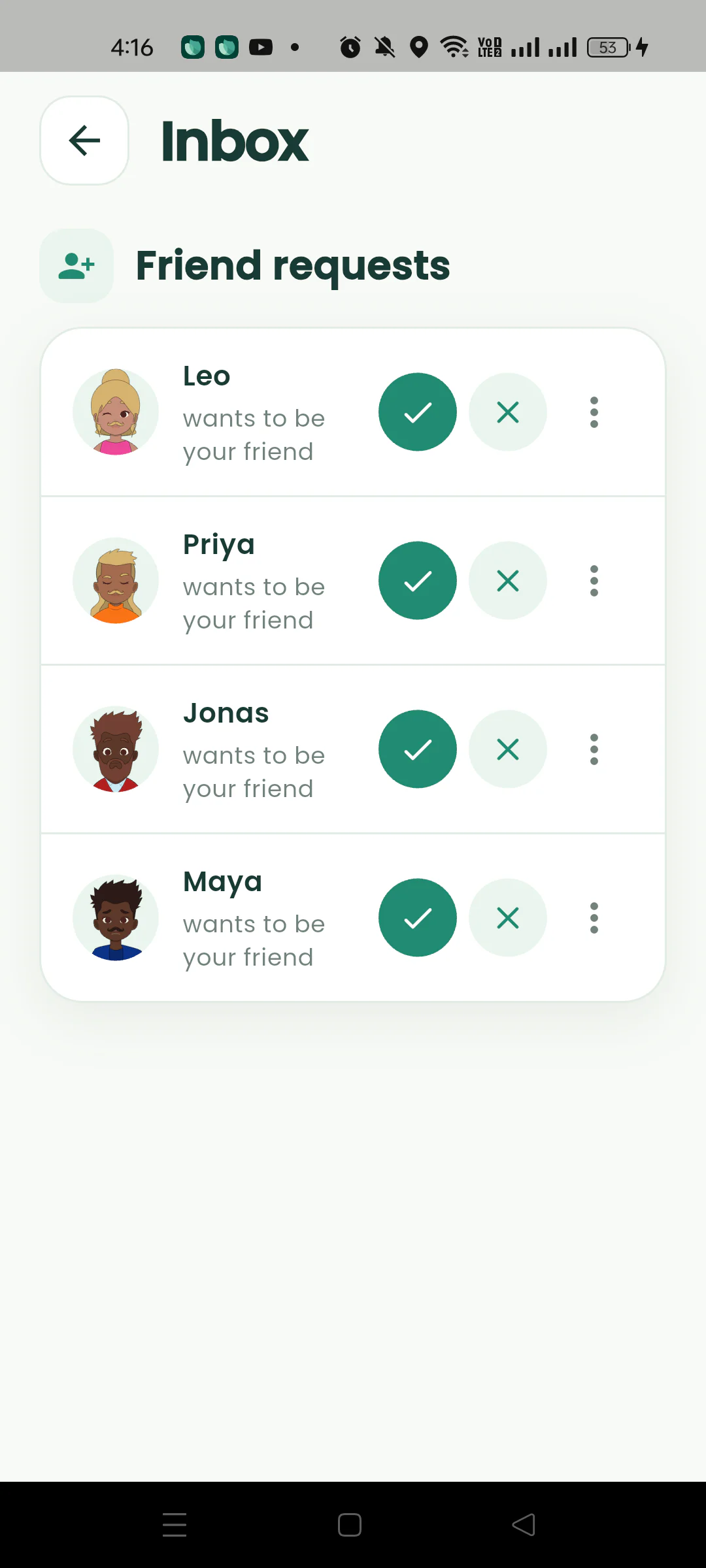
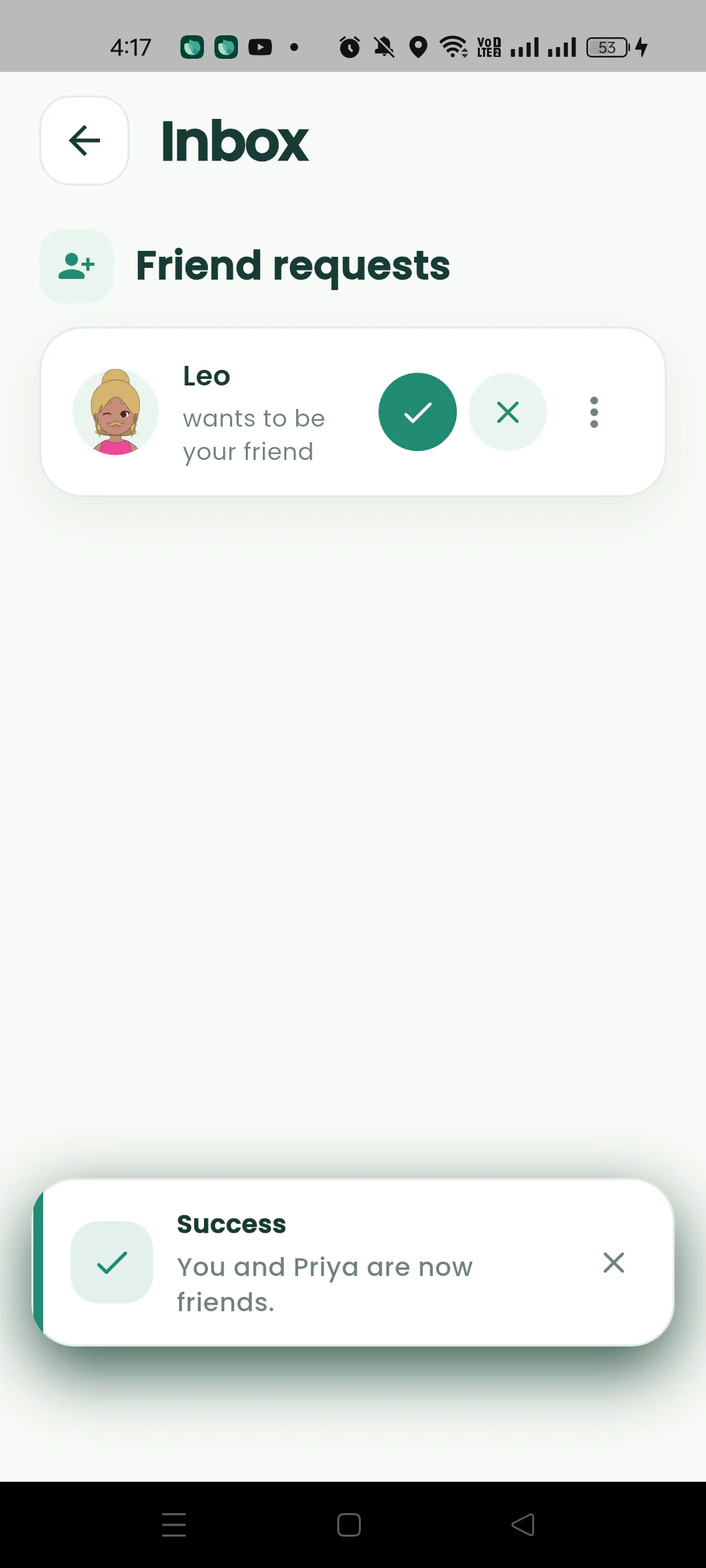
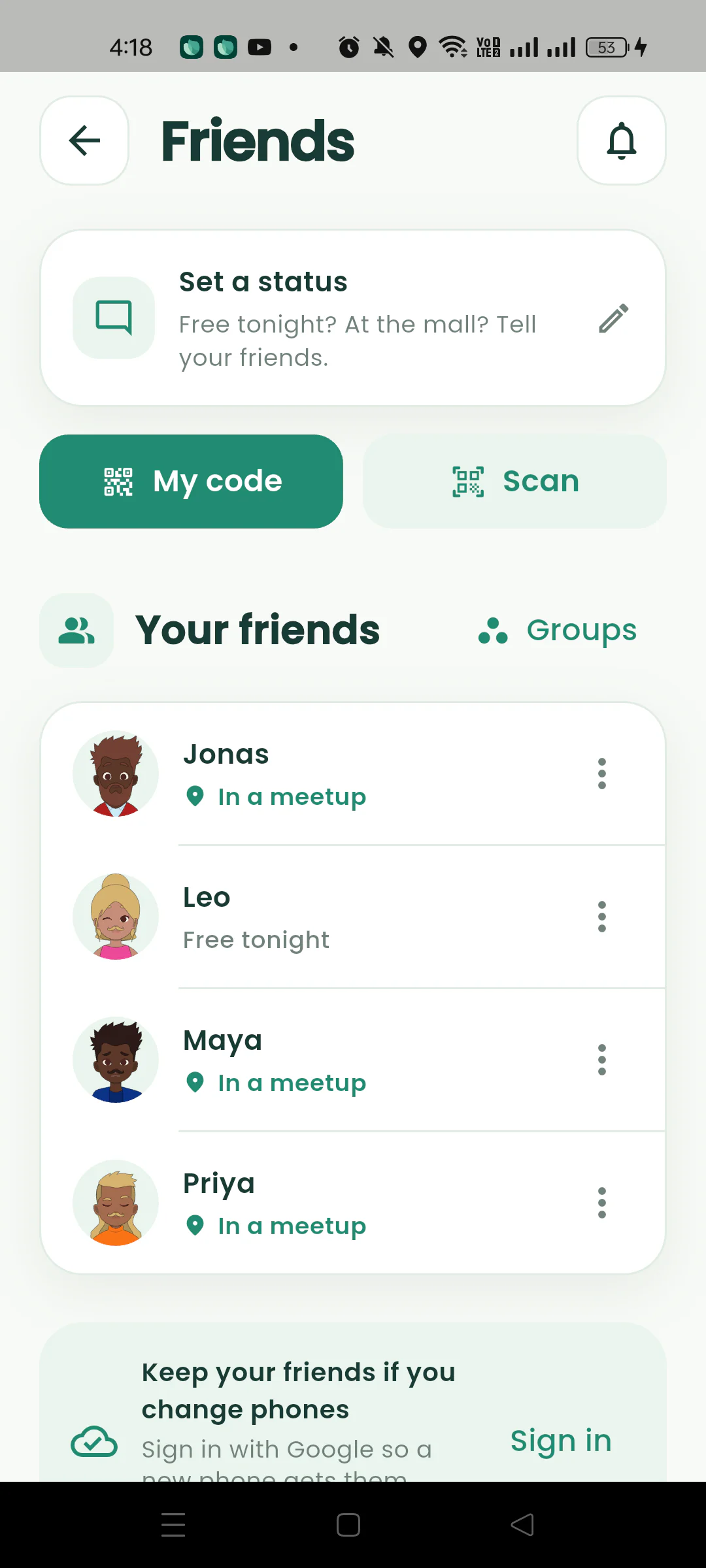
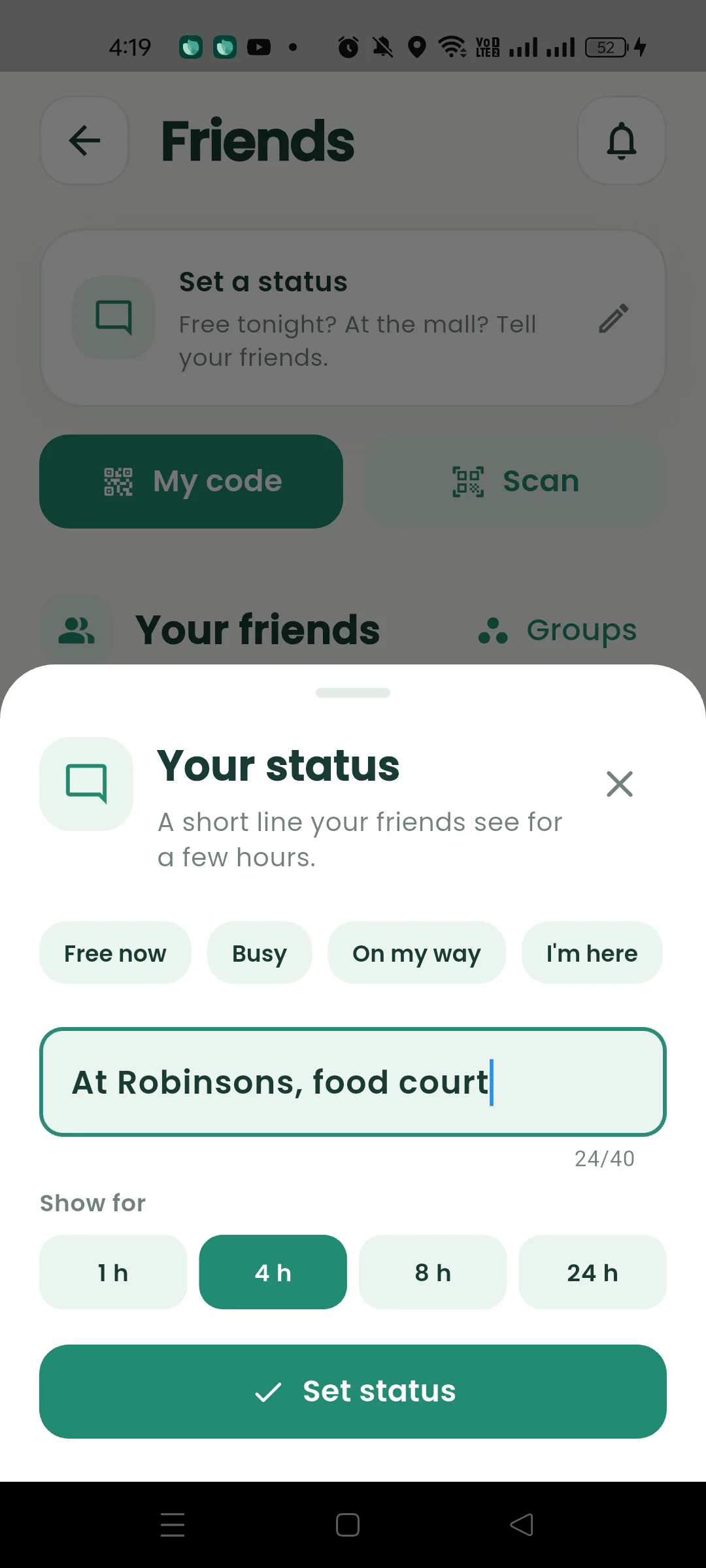
Only one person needs the app. Everyone else needs the link.
Open Nearby, search or tap the spot, and drop the pin. That is the whole setup, and it takes about ten seconds.
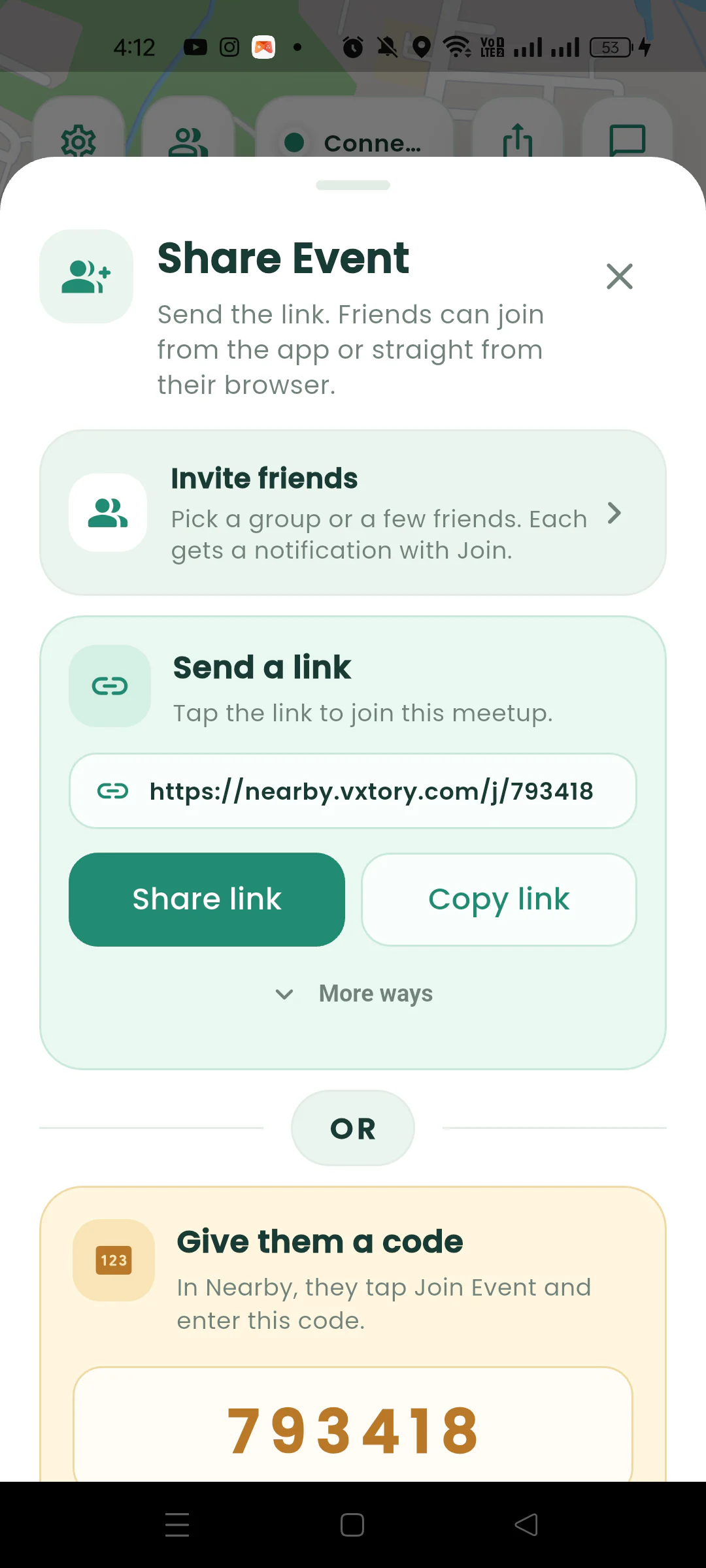
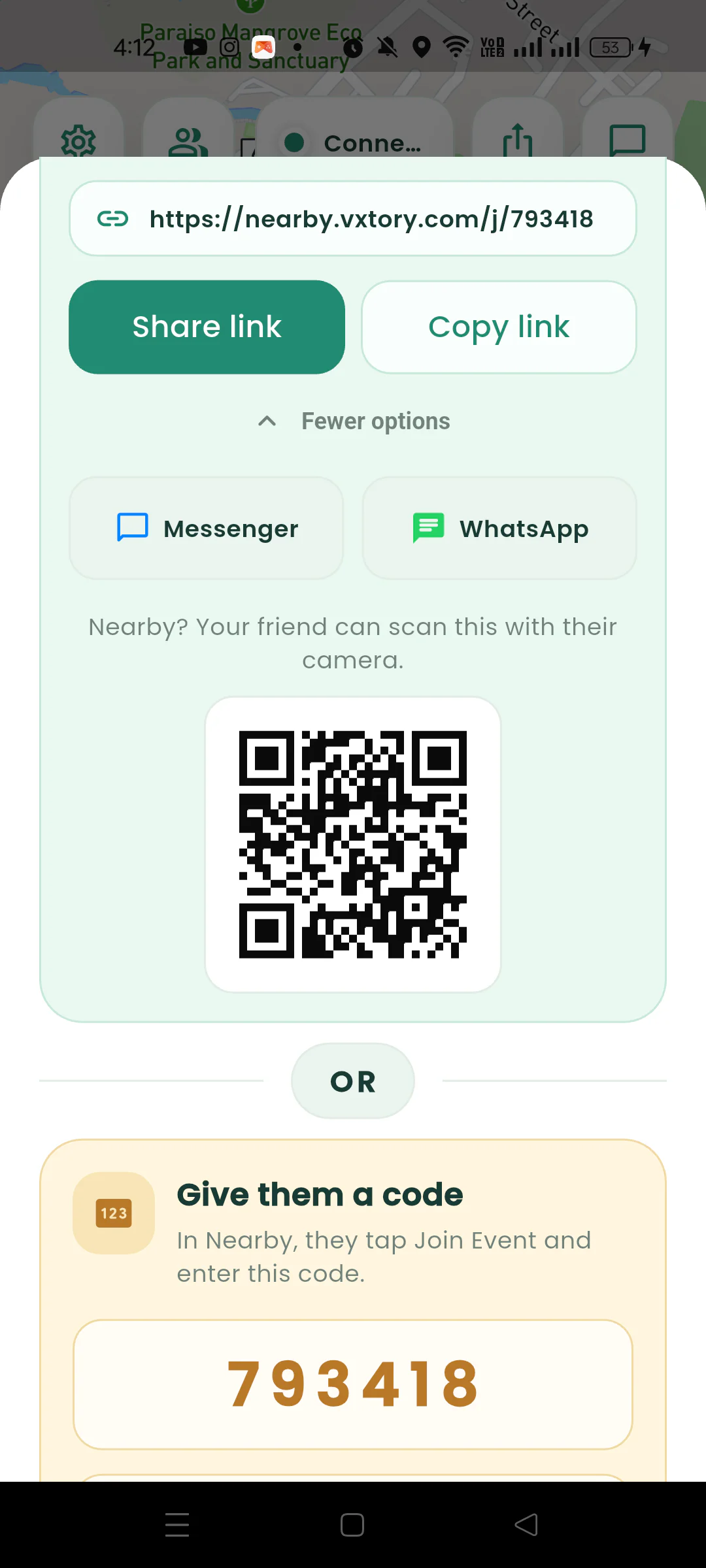
Send it in Messenger, WhatsApp, or any chat. Friends with the app open straight into the meetup. Friends without it join from their browser with just a name.
See avatars move toward the pin, check who is close, and chat in place. When the meetup is over, the map is gone.
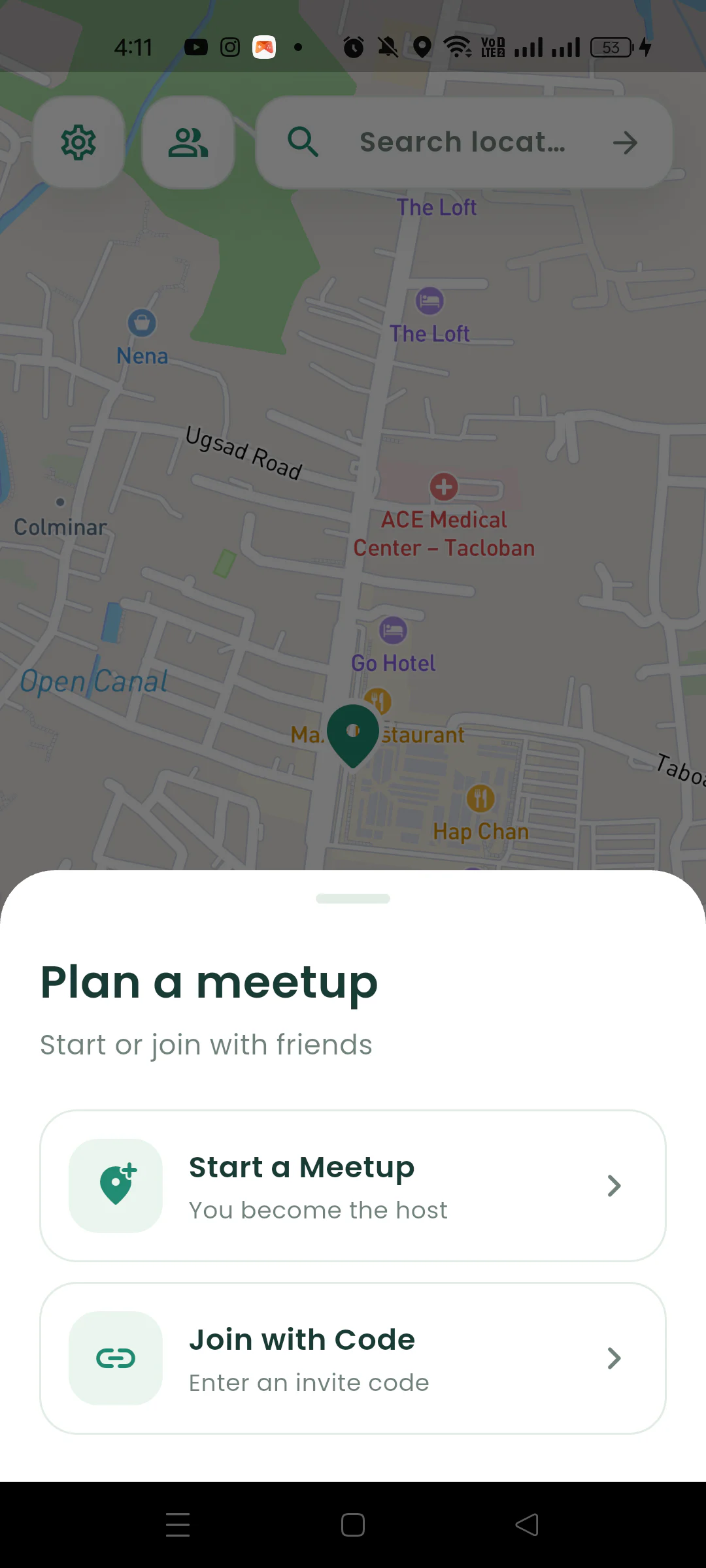
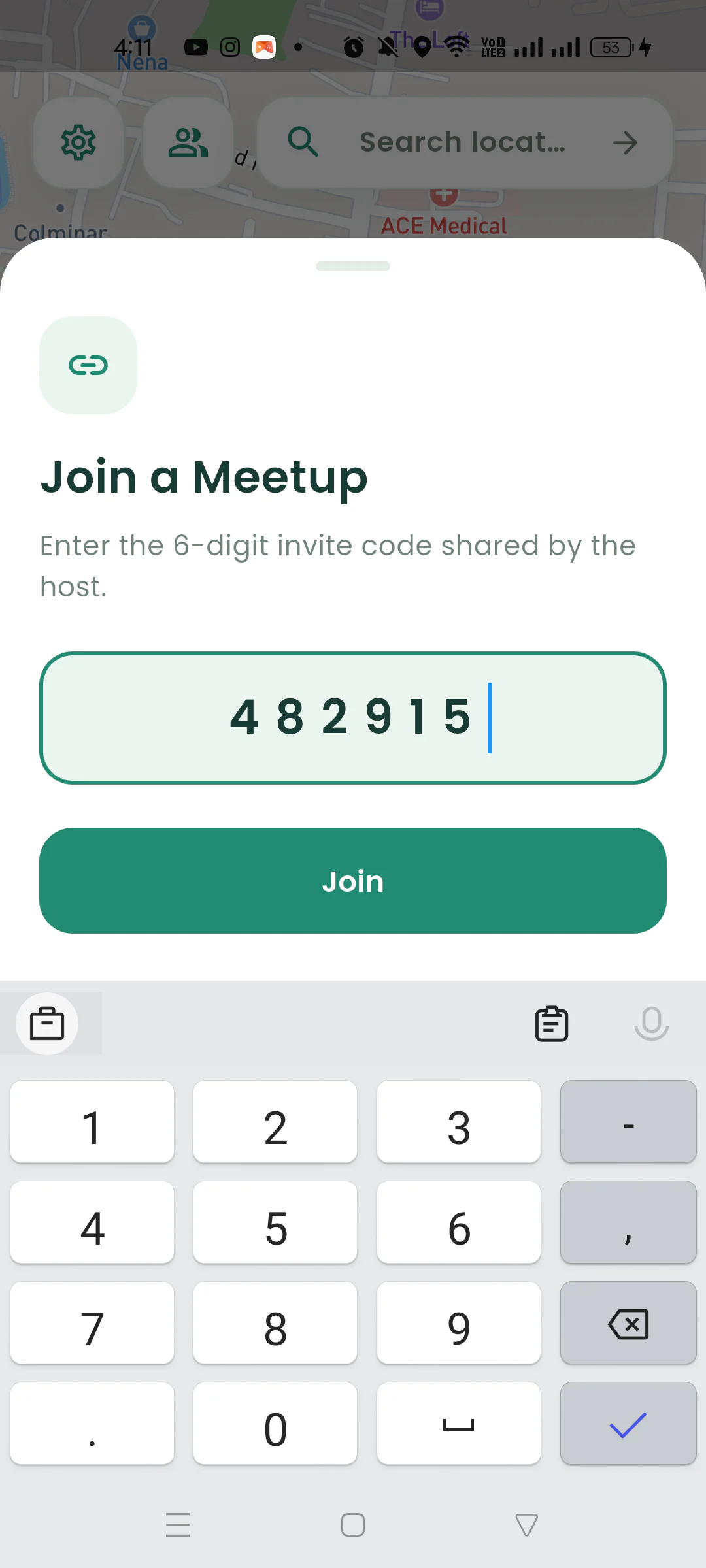
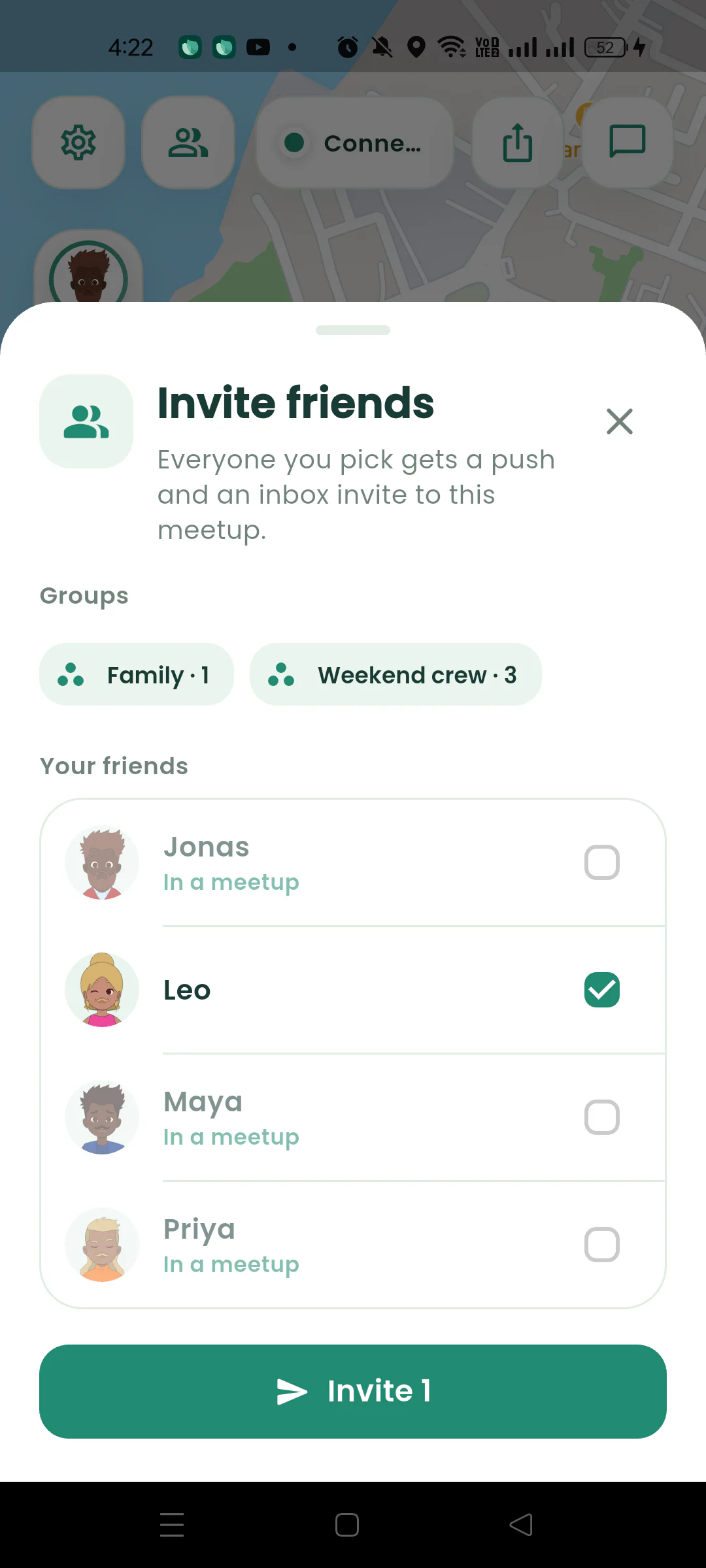
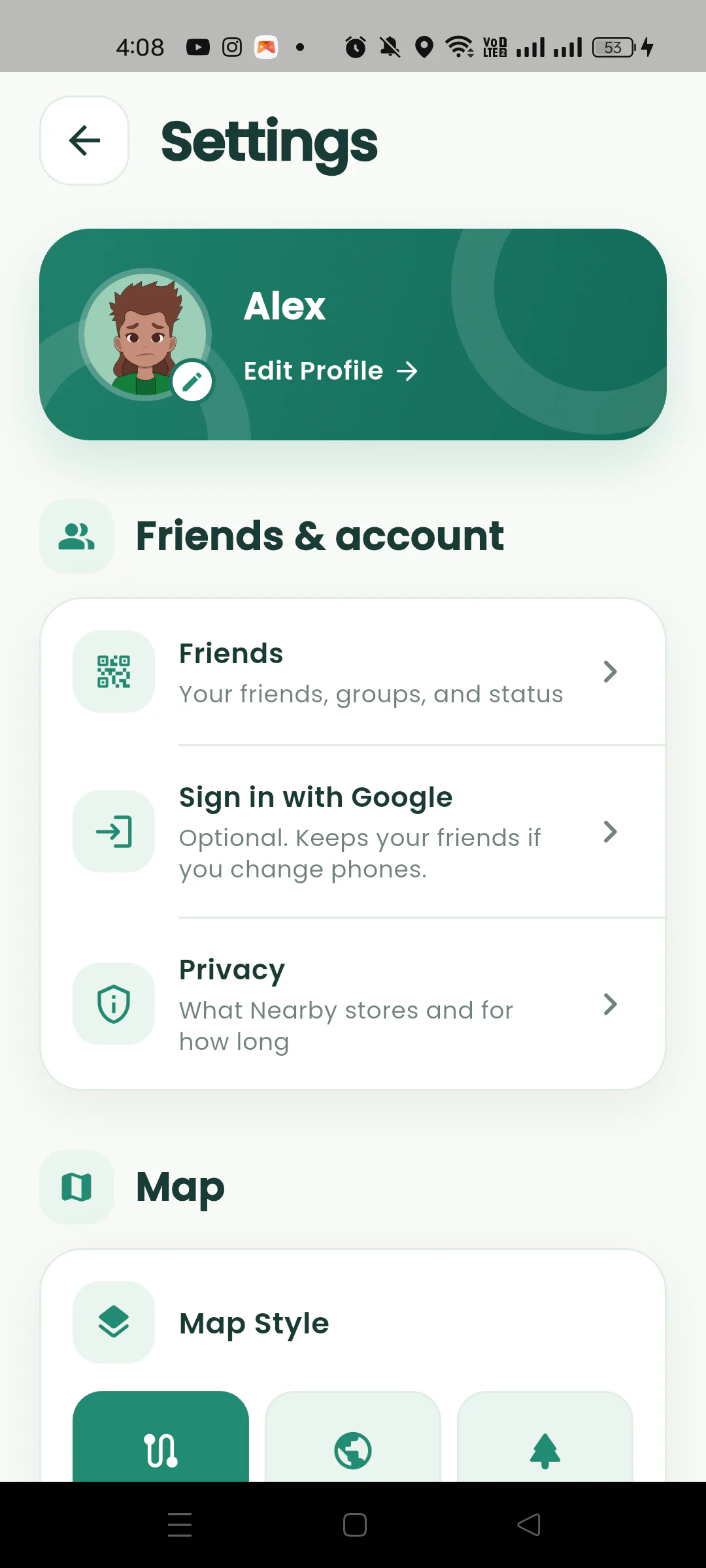
Follow the real Nearby flow from starting a meetup to inviting one friend or a whole group - without accounts, saved contacts, or guesswork.
Start a Nearby meetup on Android and choose the place everyone should reach.
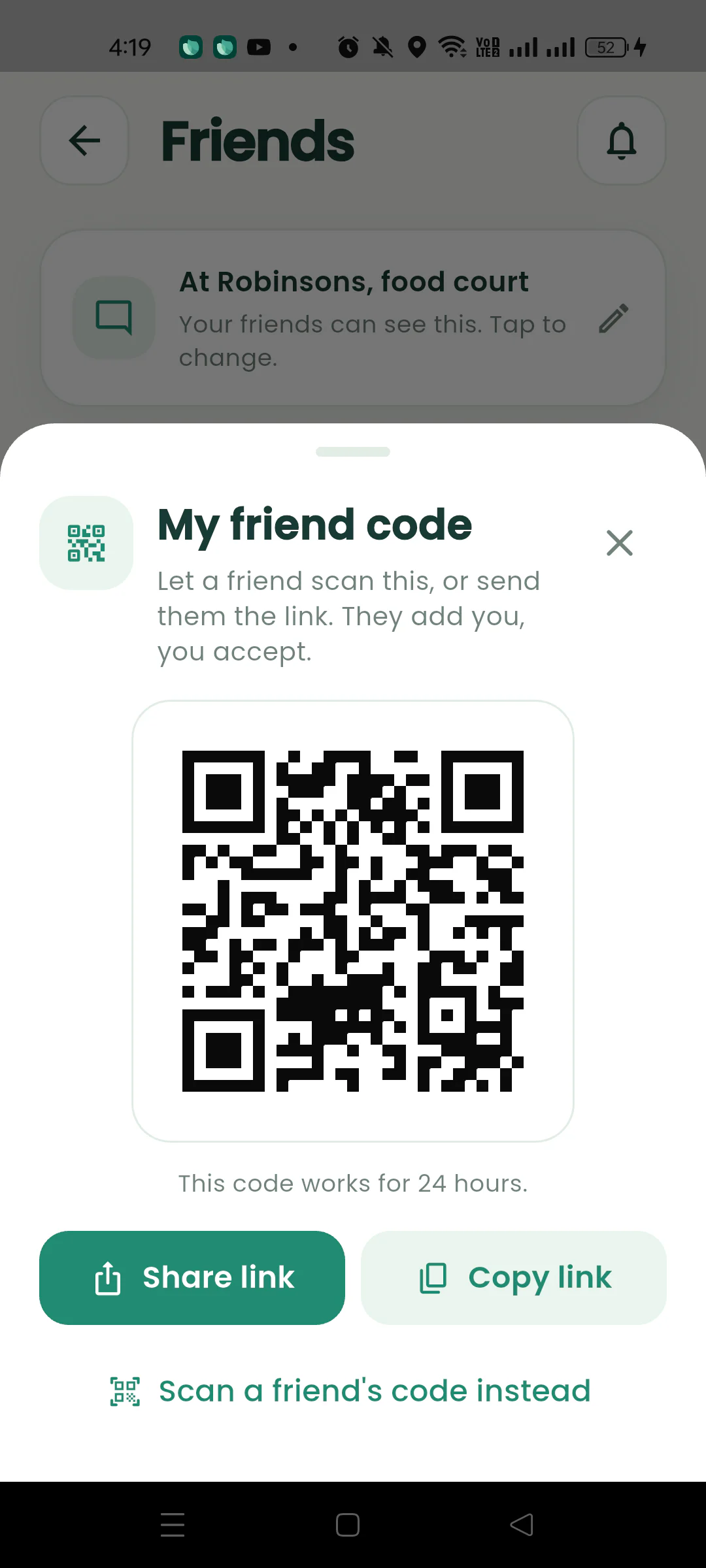
Share your 24-hour friend code or scan another person’s code to send a friend request.
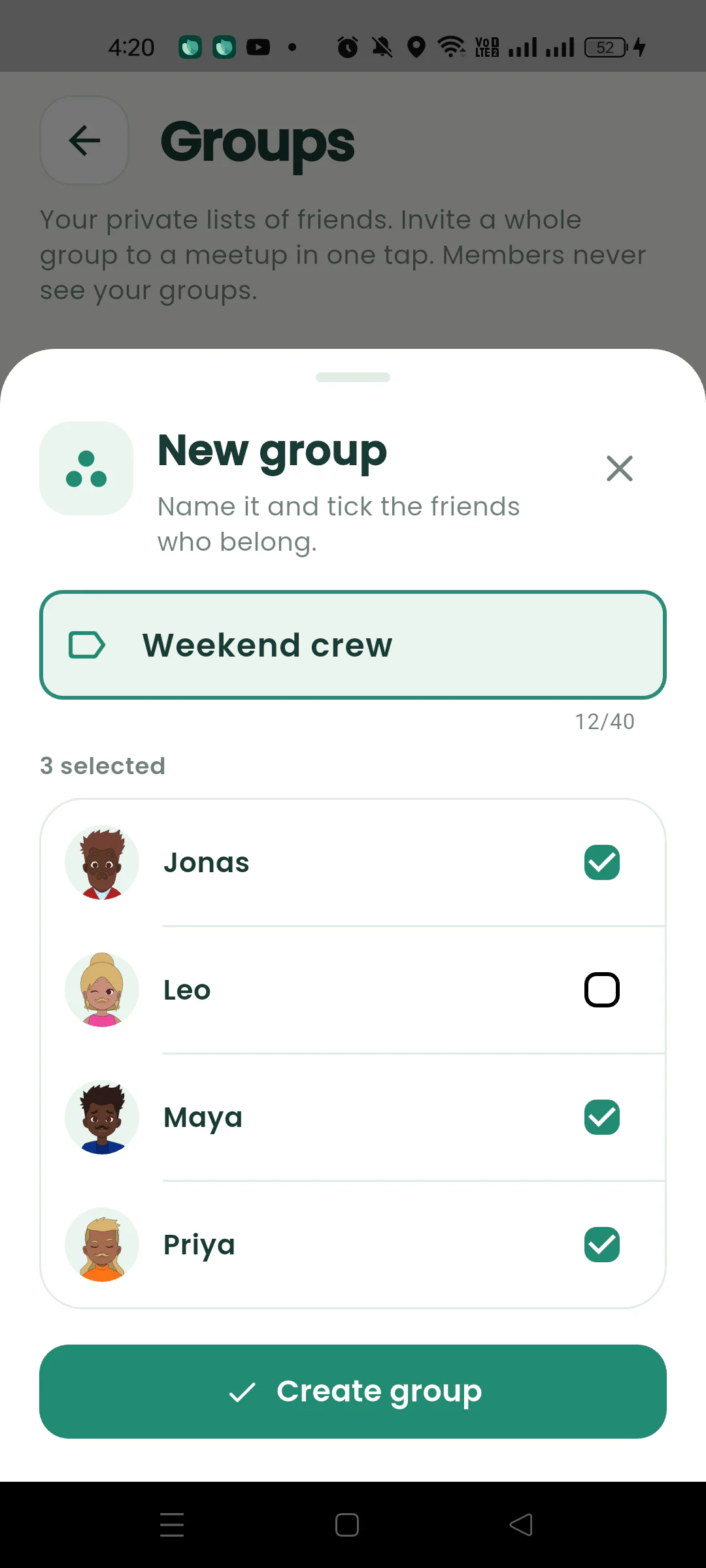
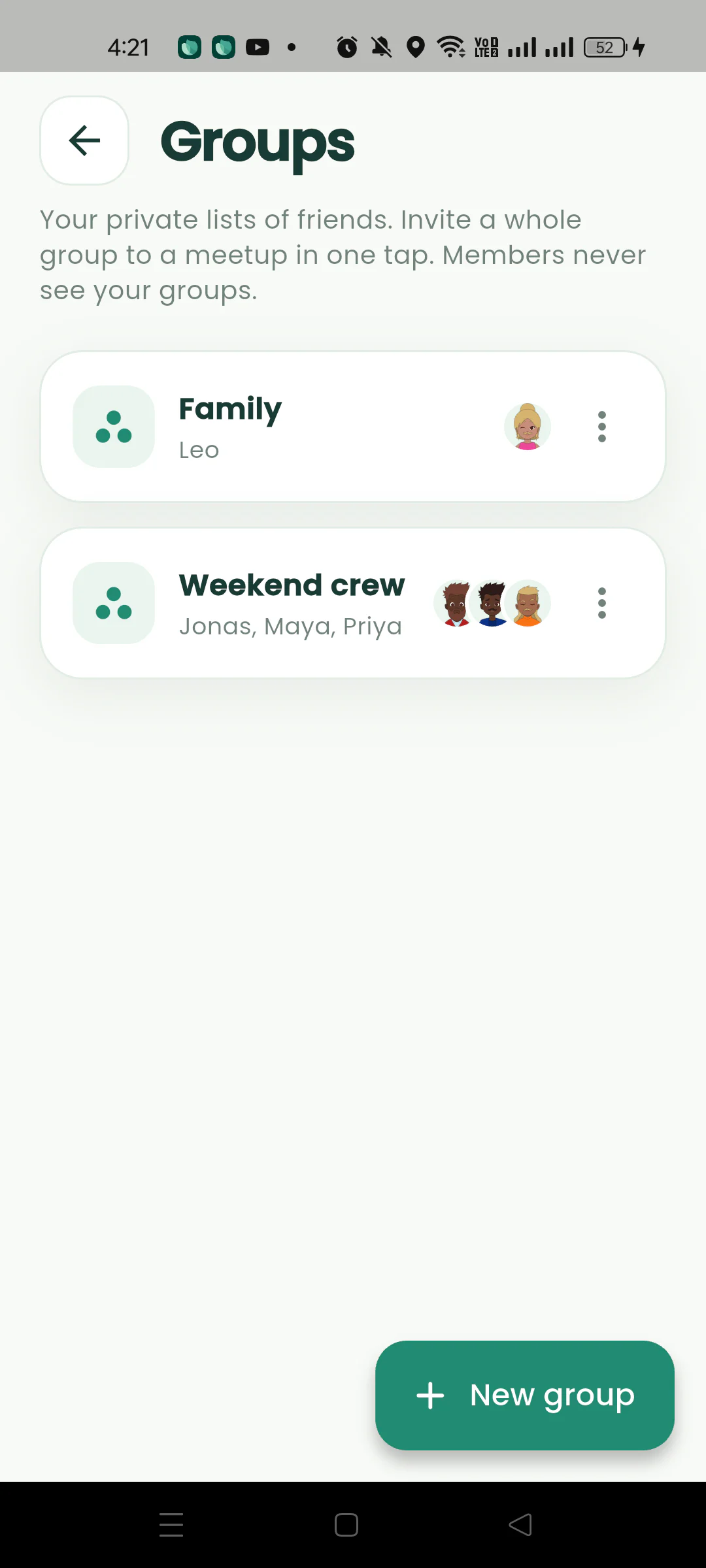
Create a private group for friends you often invite together, such as family or a weekend crew.
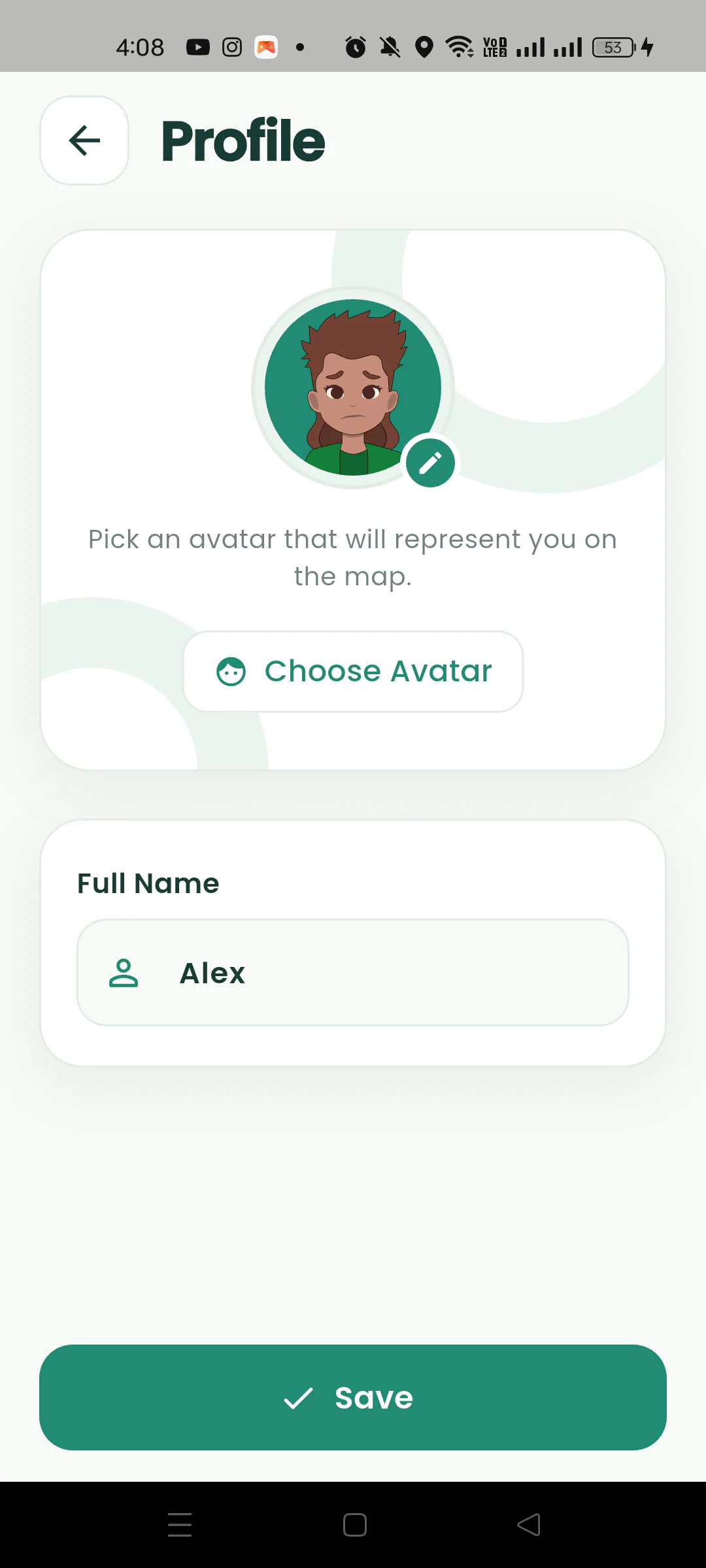
Start or join a meetup without creating an account, and understand what optional Google sign-in adds.
Location sharing already exists. Nearby is what it looks like when it is built for a meetup instead of for keeping tabs on people.
Snap Map and Life360 share where you are all day, every day. Nearby exists for the next couple of hours, then forgets. Nothing to switch off later.
Everyone has to find and tap “share live location” on their own, and there is no shared meeting point. In Nearby, one link does it for the whole group and the pin is the first thing everyone sees.
Three calls, two voice notes, and someone still cannot find the entrance. One glance at the map replaces all of it.
Privacy, iPhone friends, group size, battery. Have another question?
Get in touch
Start a meetup and share its link (it looks like nearby.vxtory.com/j/123456). Anyone who taps it with Nearby installed lands straight in your meetup. Anyone without the app joins from their browser by typing a name. You can also read out the six-digit code and they can enter it in the app.
No. Your invite link works in any web browser. A friend without the app sees the map, drops onto it as a real member, and can chat, all without installing anything. Only the person who starts the meetup needs Nearby.
The Nearby app is on Android today. Friends on iPhone can still join your meetup from the link in Safari or Chrome and appear on the map like everyone else.
Yes. Nearby is free to download and use, with no required account and no paid tier. Optional Google sign-in helps keep your friends when you change phones.
Only the people in your meetup, and only while it is running. Nearby has no public map and no way to look up strangers. You can switch location sharing off in the app at any time and stay in the chat. Read the privacy policy.
An invite link stays open for two hours. Sharing stops the moment you leave or the meetup ends, and live positions are never stored, so there is nothing to clean up afterwards.
Up to ten people per meetup, which covers most barkadas, families, and crews.
Nearby only sends your position when you have actually moved, rather than constantly, and keeps sharing when the app is in the background. A typical two-hour meetup makes little difference to your day.
Yes. Nearby stores only your display name, avatar, and chat messages. You can request deletion of everything at any time from the Nearby data deletion page, no login needed. Delete your Nearby data.
Any time a group has to end up in the same place: concerts and festivals, fiestas, mall and café meetups, campus events, church and family outings, group rides, and road trips. If you have ever typed “where are you?” three times in a row, that is the moment.
Field guides for the part of a plan that always goes wrong: actually finding each other.
Friends arriving in Boracay on different schedules can meet at a clear terminal or hotel landmark. Plan the handoff between Caticlan, the boat, and the island.
A group ride starts better when cyclists know the exact gathering spot, departure time, route, and first regroup point before anyone rolls into traffic.
A sunrise hike needs an exact trailhead, an early arrival plan, and a clear turnaround time. Get the group together before starting on a dark trail.
Free on Android. One link brings everyone else along, app or not.
Get Nearby on Google Play